
Make The Motion Graphics Behind Your Favourite Explainer Videos
The maps, data visuals and documentary sequences you see on Vox, Vice and the best explainer channels aren't magic. They're decisions. I'll teach you why those decisions work, and how to make them yourself, so you can build your own ideas instead of hunting for the next tutorial.
Explore The Courses →The tutorial trap...
You can follow along. You can't yet begin.
You've done the tutorials. Yours comes out close to the example, sometimes identical. Then you open a blank project with your own idea and freeze. That's not a talent problem. It's how you were taught. Step-by-step tutorials show you which buttons produce one exact result. They never show you why that result was designed that way. So you can repeat, but you can't create.
Animation Pro Course →
A different way to learn
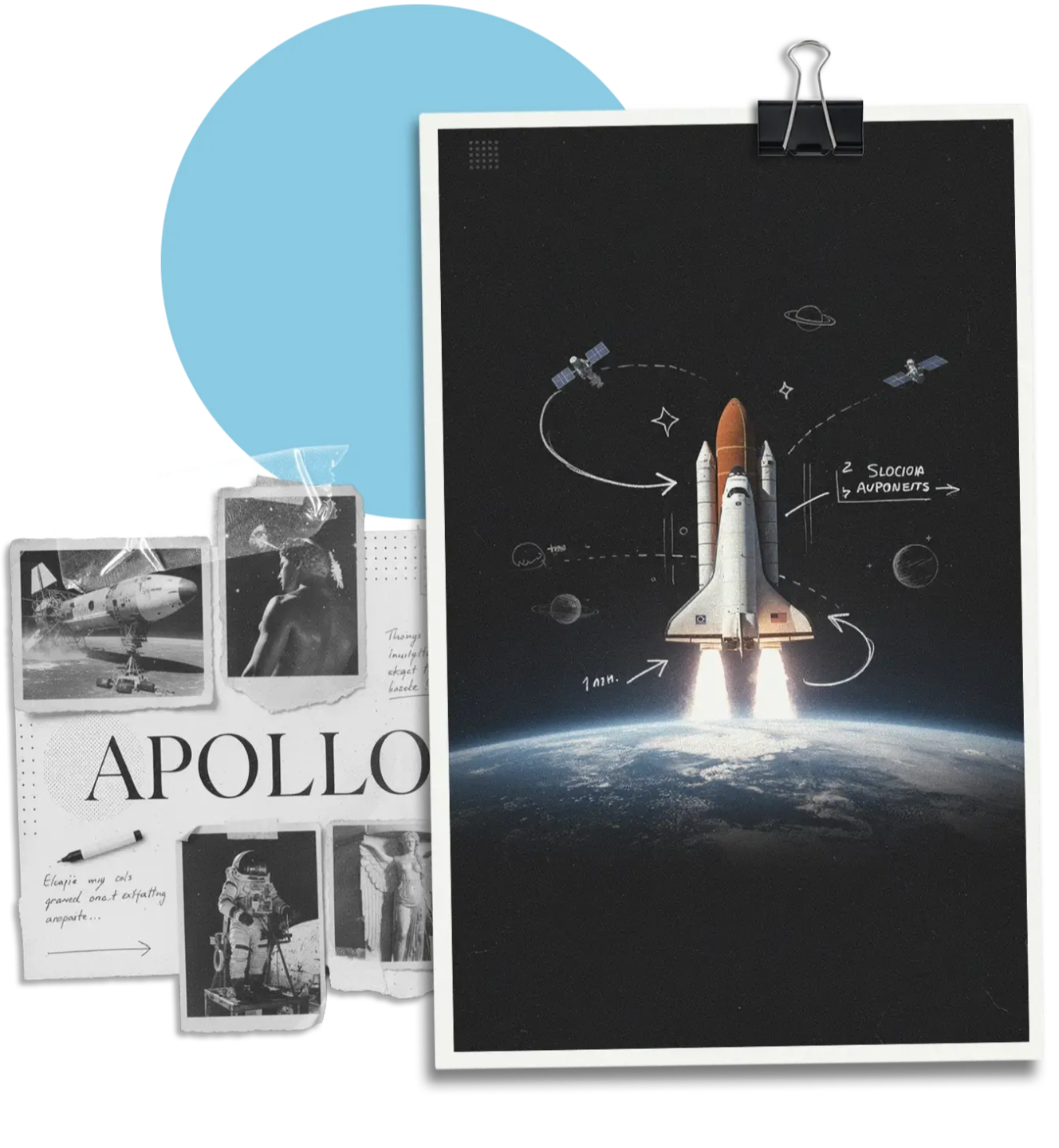
Why before how.
You'll build real projects in After Effects, step by step. What's different is the curation: every project was chosen to develop a skill that transfers, and I explain the reasoning behind the techniques as we build. But you'll walk away with the reasoning, and reasoning transfers. To your own ideas, to other software, even to directing AI tools. Button locations don't.
Subscribers
Video Views
Products Sold
About me
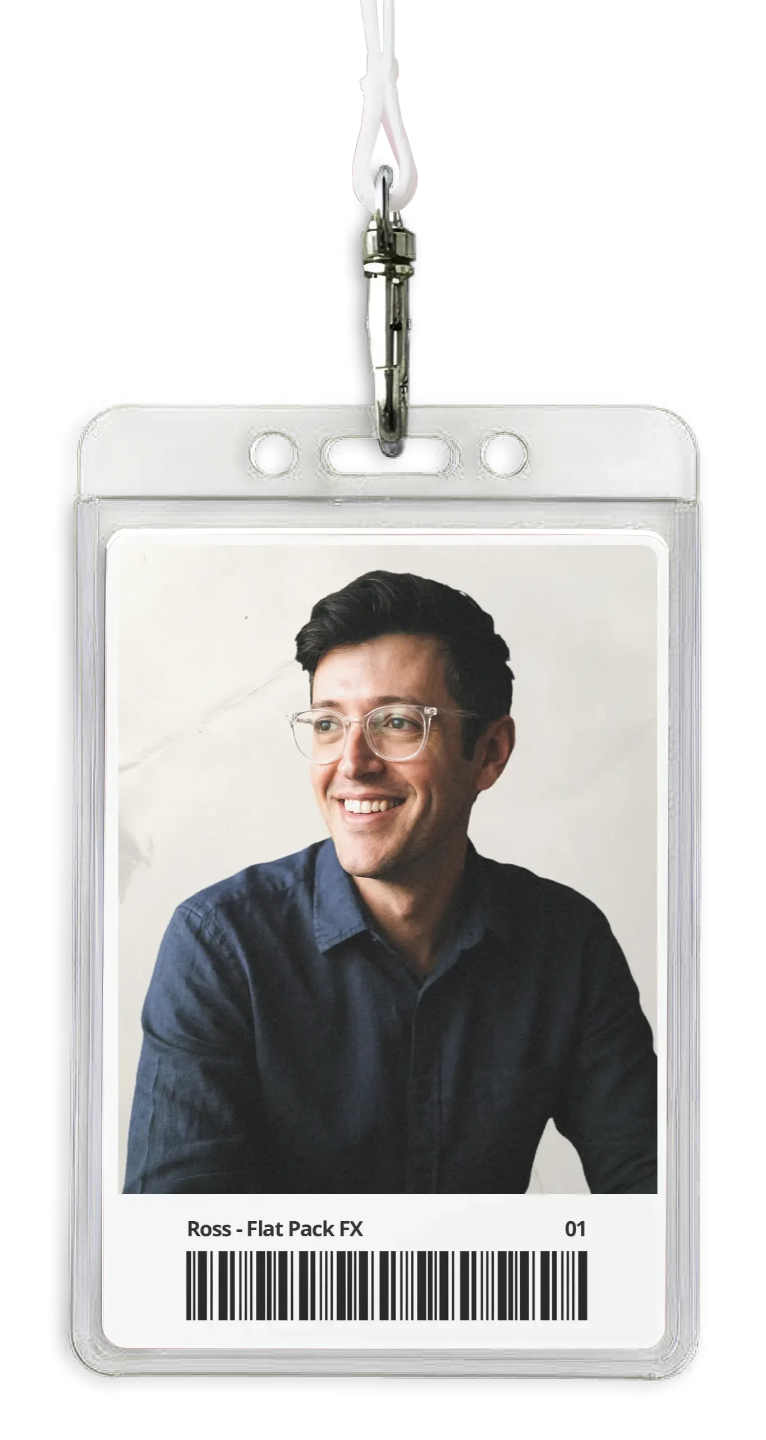
I'm Ross, and I make this for a living.
Ten years of motion graphics, hundreds of tutorials, thousands of students. I learned After Effects the slow way: reverse-engineering work I admired until I understood why it was built like that. That process, decoding the decisions behind great editorial animation, is exactly what these courses hand you. So you skip the years of piecing it together.
Find Your Course →


WHAT IF IF TOLD YOU THAT YOU'LL BE Able To
01.
Make the style yourself
Maps, data visuals, documentary sequences and the rest of the editorial toolkit, at portfolio standard.
02.
Decode anything you see
Watch an animation you love and know how to approach it, instead of searching for the exact matching tutorial.
03.
Build your own ideas
Take a concept from brief to finished piece. Yours, not a remake of someone else's demo.
WHERE TO START
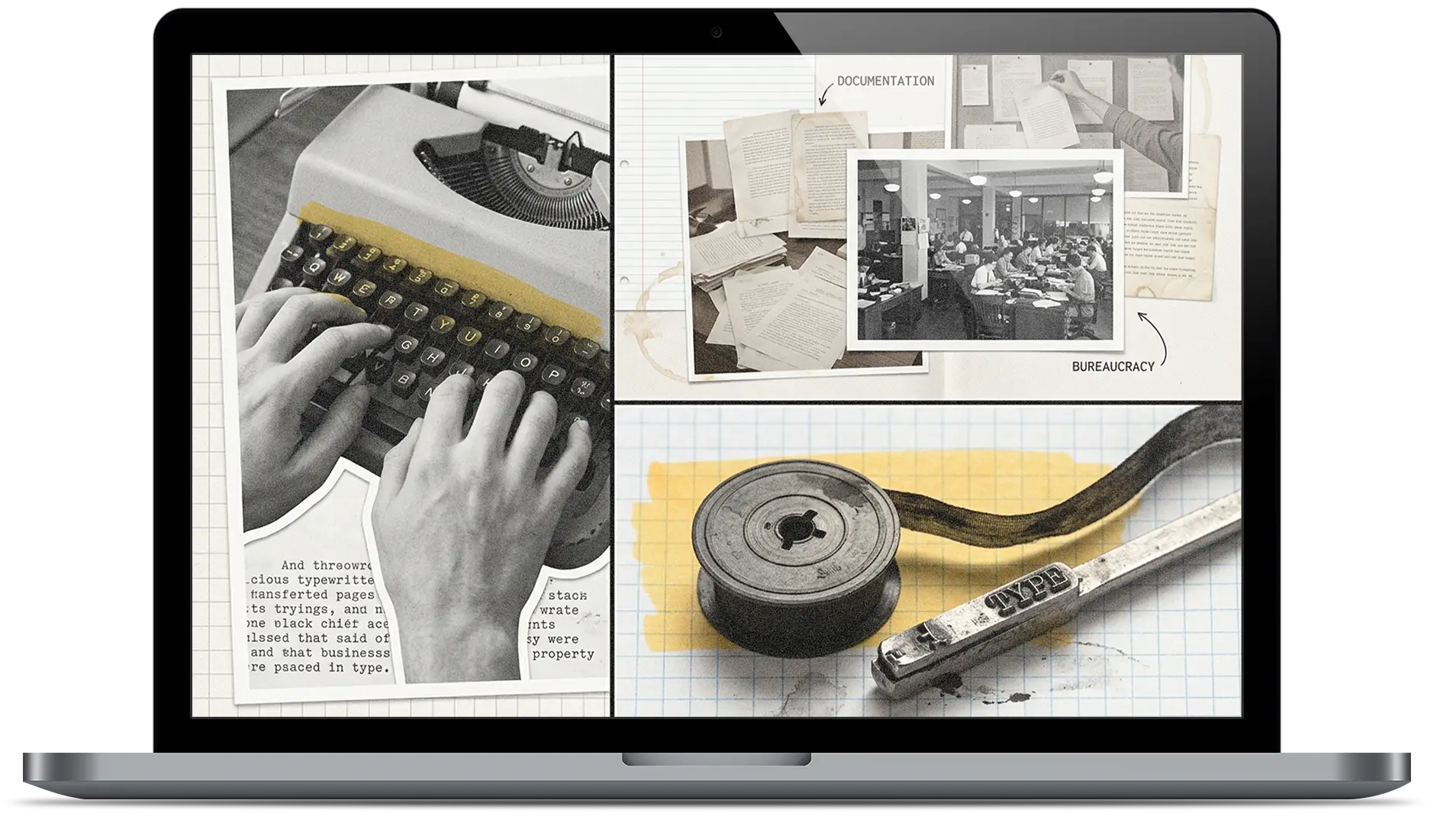
Three courses, depending on where you are. Every one teaches real projects and the reasoning behind them.

Beginner
Animation Master
Learn After Effects from zero and build your first real animations: maps, graphs, animated graphics. Step-by-step where you need it, with the design thinking layered in from day one.
50 Animations • 540+ Minutes • After Effects
Explore The Course →

Intermediate
Animation Pro
Concept, design and build advanced editorial work: documentary sequences, 3D maps, data and typography. Every project was designed to teach a way of thinking you can reuse, not just a result you can copy.
13 Lessons • 470+ Minutes • After Effects
Explore The Course →
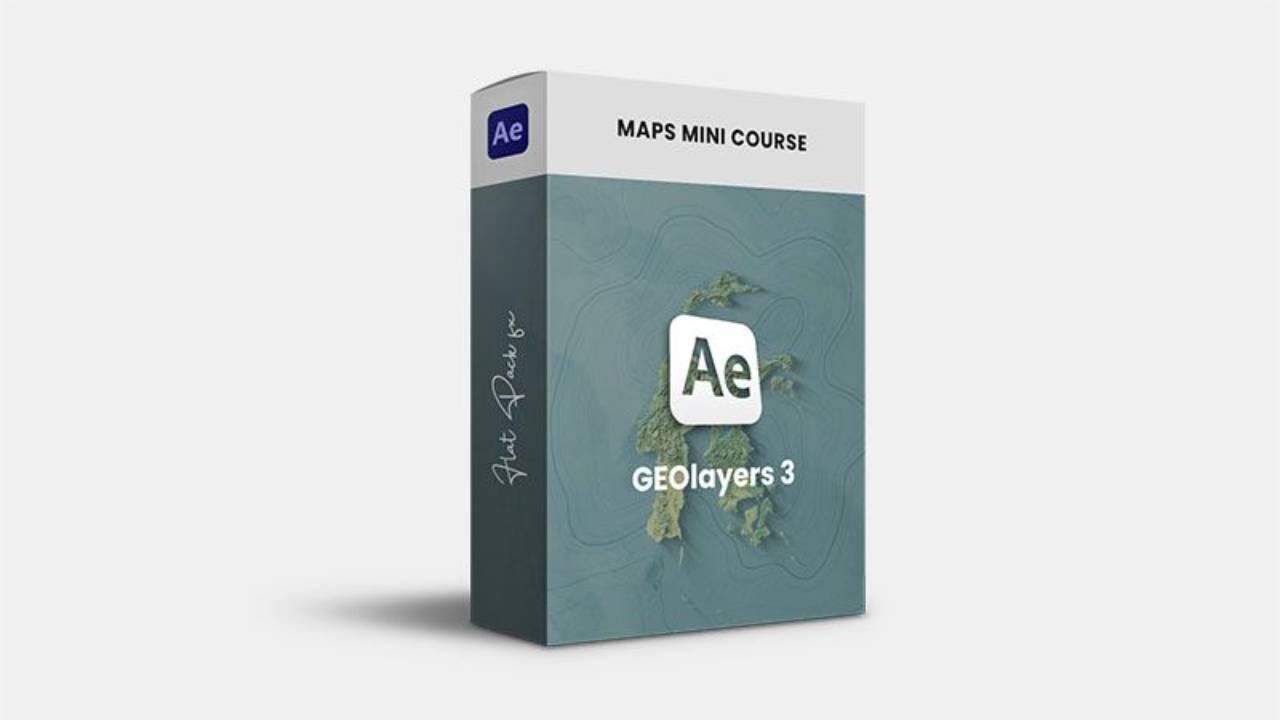
Maps
GEOlayers 3
Go deep on map animation, the signature of the explainer style, taught start to finish with GEOlayers 3. No prior experience needed.
5 Lessons • 90+ Minutes • After Effects
Explore The Course →
Latest Tutorials
Want the project file? It’s in Source Files. Each tutorial shows whether it’s in Complete, Essentials or both.
See all tutorials →From following tutorials to making Their Own.

Q&A
Is this just After Effects tutorials?
I'm a complete beginner. Where do I start?
I already know After Effects.
Do I get lifetime access?
What if it's not for me?
Tutorial project files?
Ready To Make Your Own?
Pick the course that matches where you are, and start building the style you actually want to make. Every course comes with lifetime access and direct support from me.
Find Your Course →
Flat Pack FX
The why behind the motion graphics in your favourite explainer videos.
Subscribe
This site is protected by reCAPTCHA.
© Flat Pack FX