


Build Advanced Editorial Animations Step By Step
An intermediate After Effects course where you build 12 real projects: documentary sequences, 3D maps, typography and data. Every project is chosen to develop a skill you'll reuse, and as we build I break down why the techniques work, not just where to click.
Join Animation Pro ↓Ross is an absolute gem in the world of animation
The skills I acquired in this course gave me the confidence to secure my current job
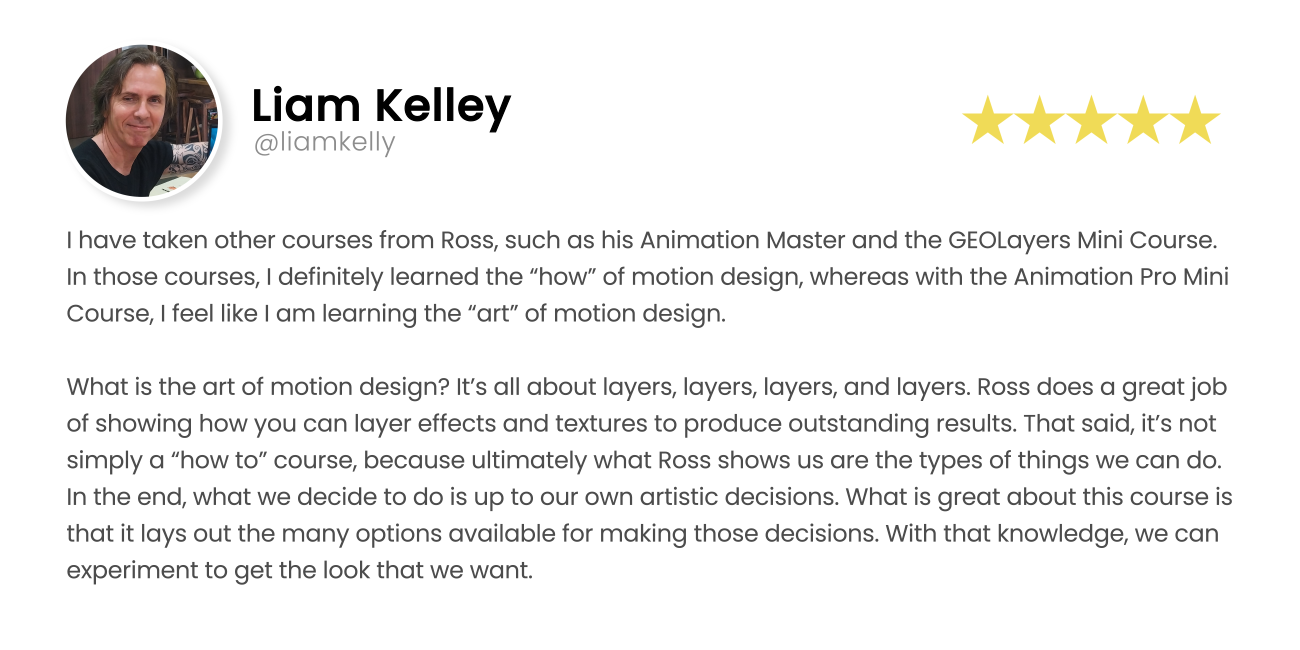
I feel like I am learning the art of motion design
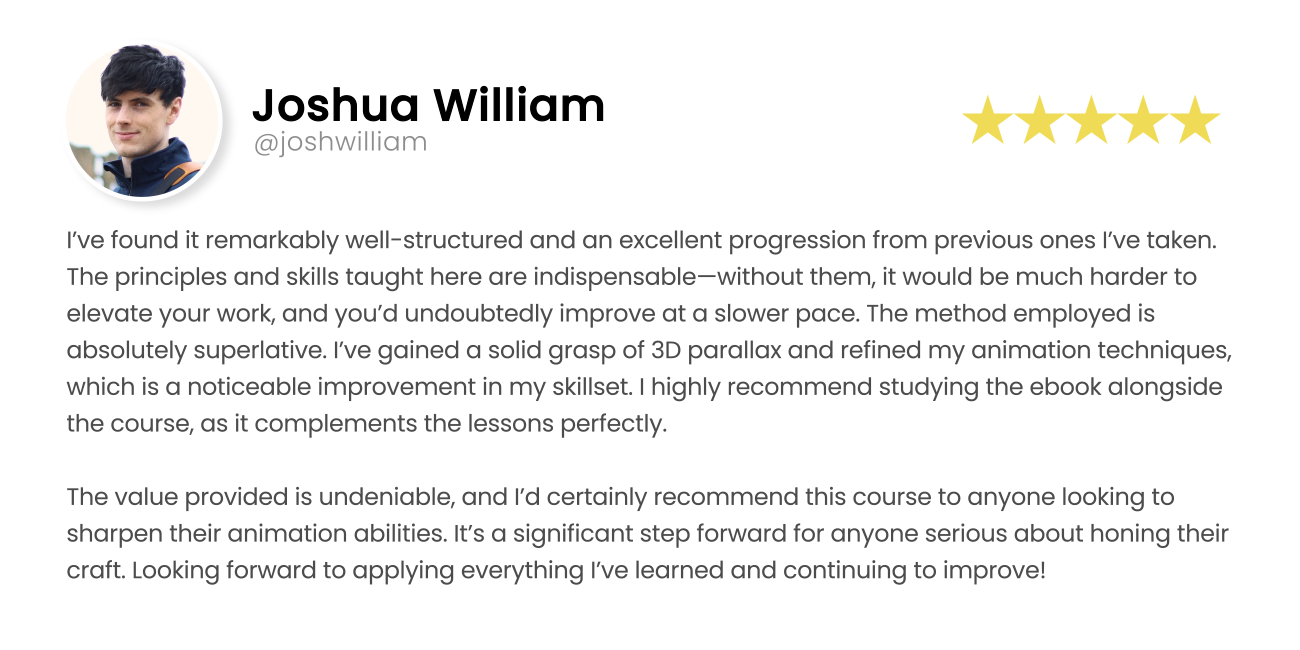

Maybe You Can Relate?
- You've finished Animation Master, or you know After Effects, and you're ready for more than follow-alongs.
- You can recreate animations from tutorials, but your own ideas still feel out of reach.
- You watch channels like Vox and understand what they made, but not why it works.
- You want to concept and design your own pieces, not just execute someone else's.
If any of these sound like you, this course was built for you.
Subscribers
Video Views
Products Sold
Random tutorials build random skills.
One-off tutorials each teach you one result, in no particular order. Every new animation sends you back to search for another one, and the skills never connect.
Animation Pro is sequenced. Twelve projects in deliberate order, each building a core skill the next project uses, with the reasoning behind the techniques explained as we build. You finish with a connected set of abilities, not a pile of disconnected tricks.


Don't worry, I'm here to help!
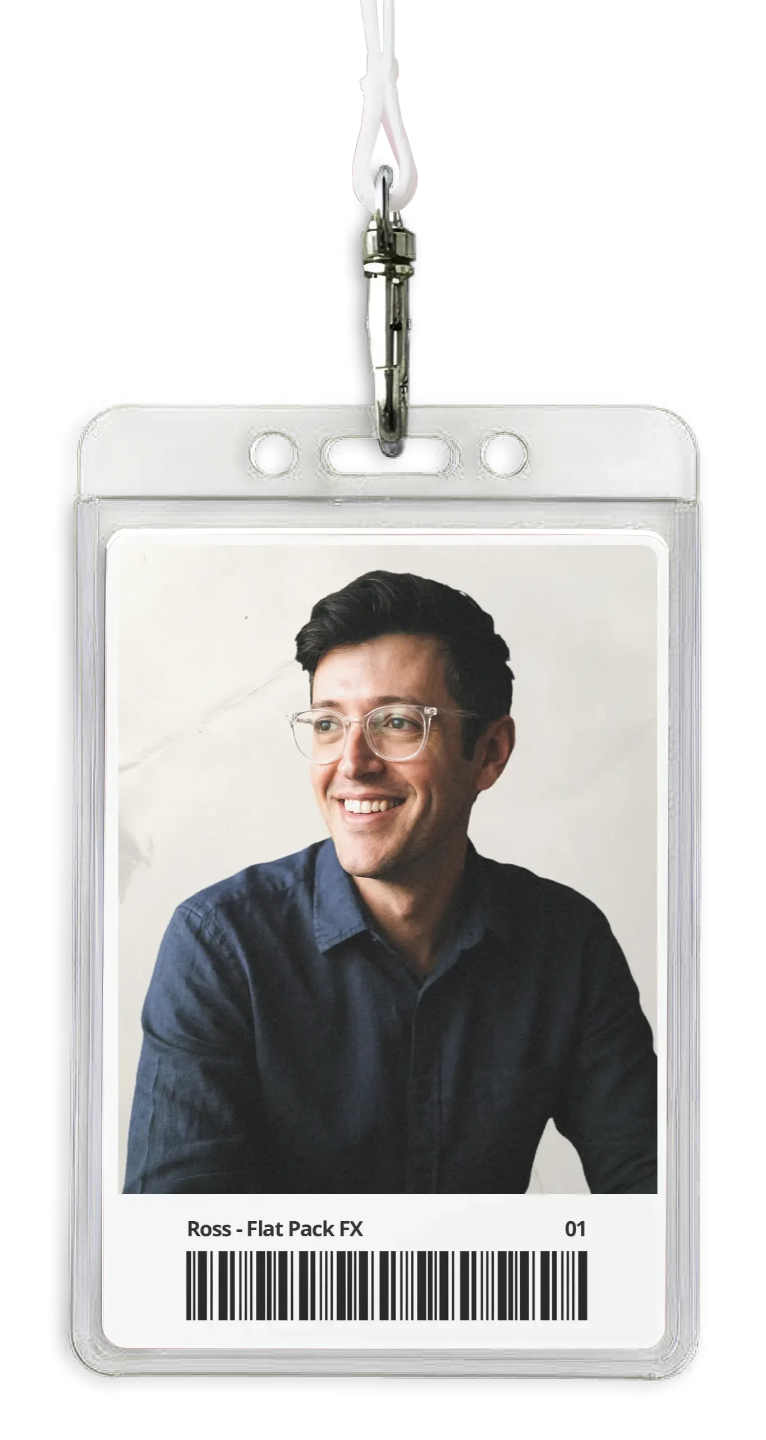
I built Animation Pro for creatives ready to level up from one-off tutorials. Every animation in this course was consciously chosen to build a skill you can reuse on your own work, and I explain the why behind the techniques as we go.
JOIN ANIMATION PRO →Introducing My Animation Pro Course
An intermediate course in building editorial animation. Ten core projects plus a bonus course, each one a real, portfolio-level piece, each one chosen to develop a skill that carries into your own work.

Advance Techniques
Elevate Your Animation Skills.
Design decisions, made visible. Layering, texture, 3D cameras, pacing. You'll learn the techniques, and more importantly when and why to reach for them.

Learn from An Expert
Gain Insider Knowledge.
A working designer's process. I show you how I concept, plan and build client work, including the shortcuts, the checks, and the things I deliberately don't do.

Boost Creativity & Efficiency
Transform ideas into stunning visuals.
Speed through understanding. When you know why something works, you stop second-guessing. Projects get faster because decisions get easier.


What Animations Will You Learn?
Here's a look at what we will be covering in the course. The base course includes 10 comprehensive videos, 30-43 minutes each with 9 Detailed Animations. 330+ minutes of total content for the main course and all project files & media included.

1. Layering & Textures
Build depth the editorial way. Why flat design still needs layers, and how texture changes how motion feels.

2. Submarine Animation
Merge interview footage, B-roll and animation into three scenes that cut together. The decisions that make mixed media feel like one piece.

3. Typography Animation
Make type move with intent. Why some text animation reads instantly and some just decorates.

4. Plane Animation
Master the art of animating planes in After Effects, with a focus on smooth movement, realistic breakaway layers, and dynamic camera angles. By the end of the course, you’ll be able to create engaging scenes that truly soar.

5. Collage Animation
Turn static images into compelling animated stills by learning techniques that add motion and life. This tutorial will show you how to breathe life into your photos, transforming them into captivating visuals.

6. Documentary
The overlay and graphics language of documentary film: what to add, what to leave out, and why restraint reads as confidence.

7-8. Advanced 3D Parallax
Take your animations to the next level with advanced 3D parallax effects. Discover how to create a sense of depth and dimension by animating layers in a 3D space, making your scenes feel more immersive. Split into 2 videos.

9. 3D Featurette
Dive into creating a 3D featurette animation, where you’ll learn to combine cinematic techniques & layering with 3D animation. Perfect for adding a blockbuster feel to your projects.

10. 3D Map Animation
Paths, pop-up markers and camera moves. Why map animations pace the way they do, and how to direct the viewer's eye across geography.


Animation Pro Bonus Course
The Bonus Course, take your skills even further with 3 x 40-62min exclusive videos that build on the Animation Pro course. I’ll guide you step-by-step through advanced techniques, showing you how to enhance and refine your animations. 140+ minutes of content and all project files & media included.

BONUS: Map Animation
In this video I have compiled the most common map animation techniques I've seen online. If I was going to create a map animation for a client, these are the techniques I would use.

BONUS: Paper Fold
Explore the techniques of creating a realistic paper fold animation in After Effects. You’ll learn step-by-step how to simulate folding paper, adding a unique visual element to your projects.

BONUS: Climate Change
We dive deeper into different and interesting ways you can combine B-Roll and animation using unique and visually interesting effects and techniques. This is my favourite video in the course.
470+
Minutes of Content
12
Aniamtions
13
Lessons
All Professional-Grade Project Files Included
Every project file, asset and piece of media included. Follow along exactly, or pull my projects apart to see how they're built.

ANIMATION PRO GUIDE
Certificate Of Completion
Upon successfully completing 100% of the online course, you will receive a personalized digital certificate of achievement. Personally checked and issued by Ross.
This certificate serves as official recognition of your hard work and newly acquired skills, making it a valuable addition to your portfolio or resume.
The certificate will be delivered electronically, allowing you to download, share, and showcase your accomplishment with ease.

What Will You Achieve?

Design your own work.
Go from brief or idea to finished piece without hunting for a matching tutorial.

Decode what you see.
Watch any editorial animation and know how you'd approach it.

Build a portfolio that stands out.
Documentary sequences, 3D maps and typography at a professional standard.


Create Designs That Wow Like You See Online
With Adobe After Effects, you can craft the same stunning designs you admire online. Learn the techniques that top creators use, and soon you'll be producing eye-catching animations and effects that stand out on any platform!

Discover The Secret To Eye-Catching Graphics, Animations and Effects
Adobe After Effects is the industry-standard tool for motion graphics and visual effects. Once you master its advanced features and techniques, the possibilities for creating captivating, professional-quality animations are endless!


Connect With The Community
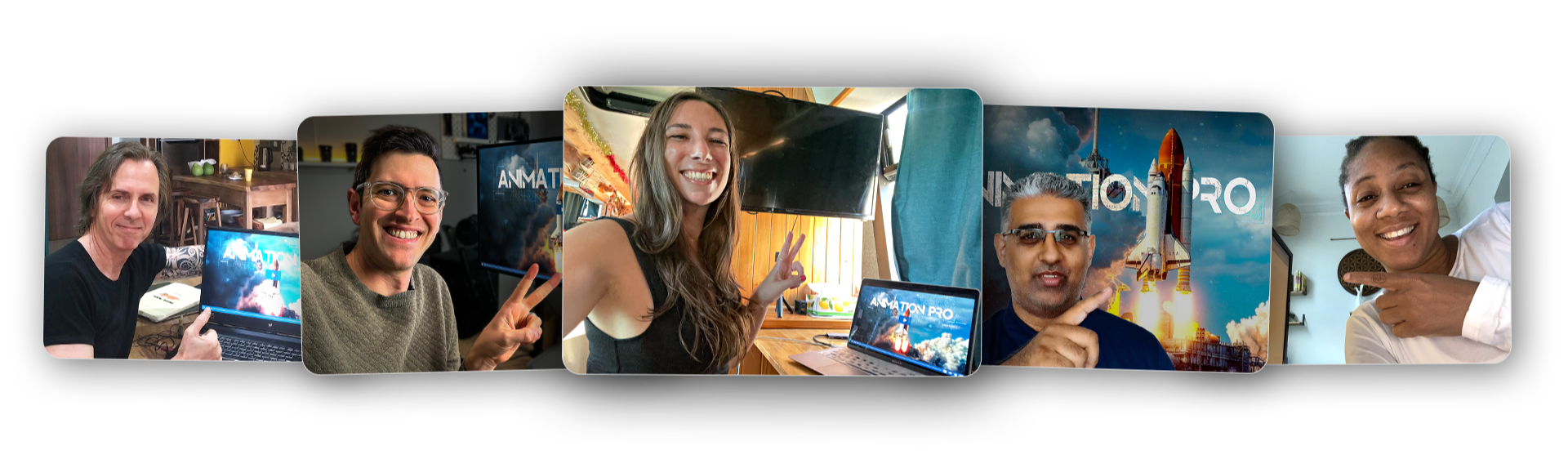
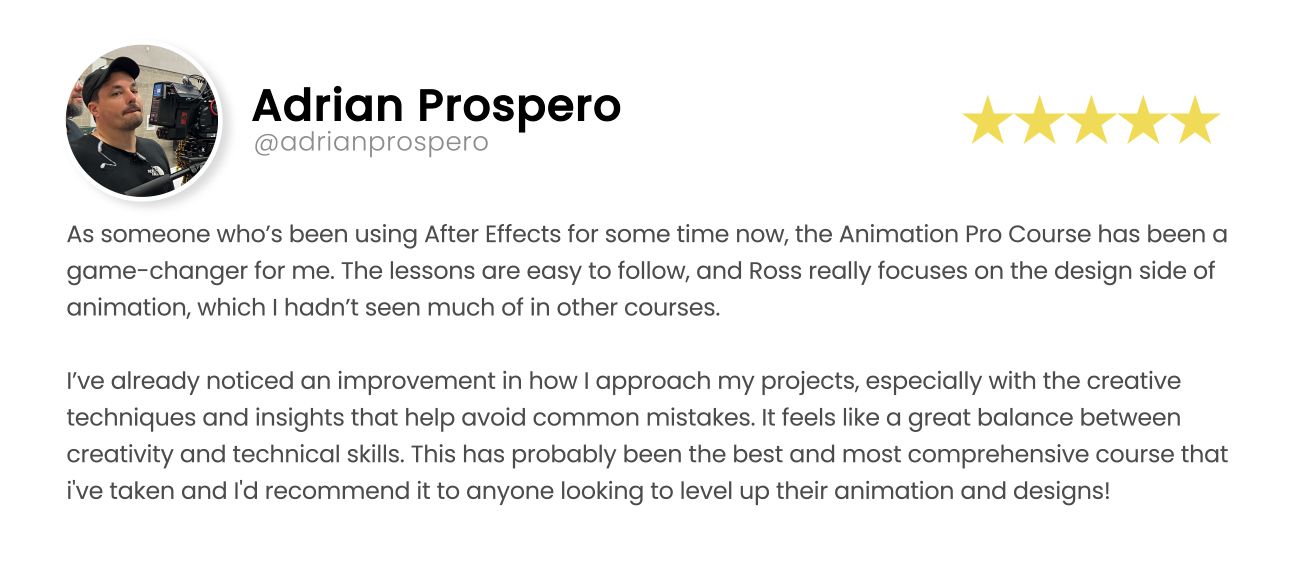
Ross' tutorials have been a game changer for me
My skills have definitely improved by completing the course.
This course has so much variety and depth
What Students Are Saying


Ready to build your own work?
Pick the option that fits. One payment, lifetime access. This is a full step-by-step build course. If you've come from my breakdown videos on YouTube, this is where you learn to make the work itself.
Intermediate
BASIC
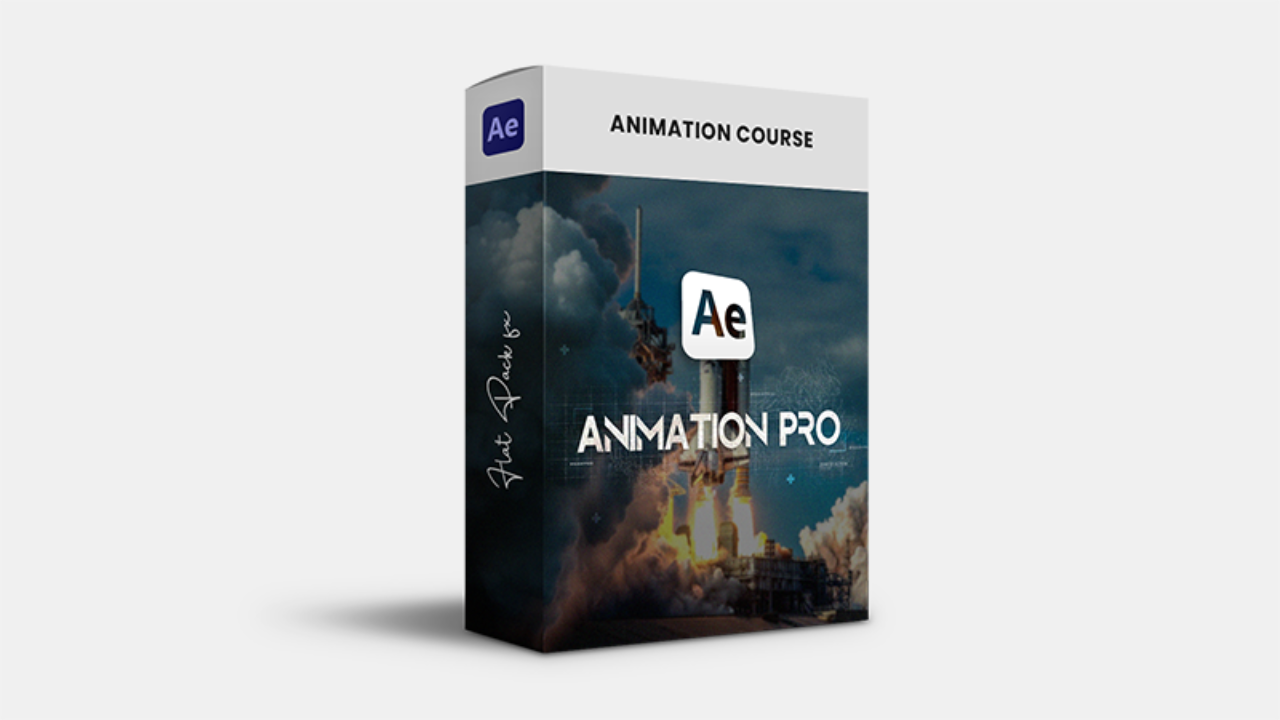
- Animation Pro Course Intermediate After Effects Course with lifetime online access. Includes 10 comprehensive videos, 30-43 minutes each with 9 Detailed Animations. 330+ minutes of total content for the main course. No 3rd party plugins required, just a copy of After Effects. Photoshop is also referenced but not required.
- Subtitles in 7 Languages Every lesson includes closed captions in English, Hindi, Spanish, Japanese, Arabic, Korean and Indonesian. Need another language? Request it after purchase and I'll add it.
- All Project Files + Media Included
- 10 Video lessons (330+ Minutes)
- 9 Detailed Animations
- Student Hub Access
- Animation Pro: Bonus Course
- Animation Pro Guide eBook
- Premium Level Support
Intermediate
Premium
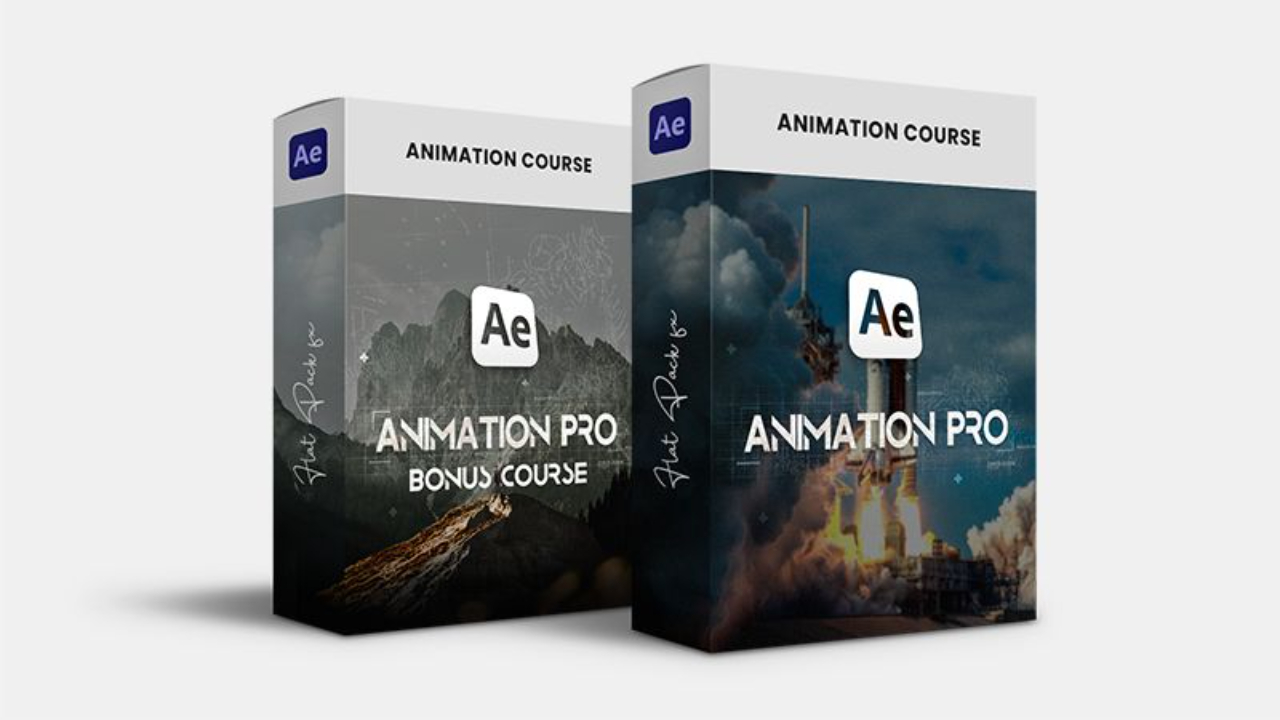
- Animation Pro Course Intermediate After Effects Course with lifetime online access. Includes 10 comprehensive videos, 30-43 minutes each with 9 Detailed Animations. 330+ minutes of total content for the main course. No 3rd party plugins required, just a copy of After Effects. Photoshop is also referenced but not required.
- Subtitles in 7 Languages Every lesson includes closed captions in English, Hindi, Spanish, Japanese, Arabic, Korean and Indonesian. Need another language? Request it after purchase and I'll add it.
- All Project Files + Media Included
- 10 Video lessons (330+ Minutes)
- 9 Detailed Animations
- Student Hub Access A free community space for course students to chat, ask questions, share work, and join course-specific threads. Automatically granted with any Premium or Ultimate Flat Pack FX course purchase.
- Animation Pro: Bonus Course
Animation Pro: Bonus Course
Take your skills even further with 3 additional videos (40-62mins each, 140+ minutes total) that build on the Animation Pro course. I’ll guide you step-by-step through advanced techniques, showing you how to enhance and refine your animations in After Effects. (SAVE when you purchase the Bonus Course now as part of the Premium Bundle!)
- Animation Pro Guide eBook
- Premium Level Support
Intermediate
Ultimate
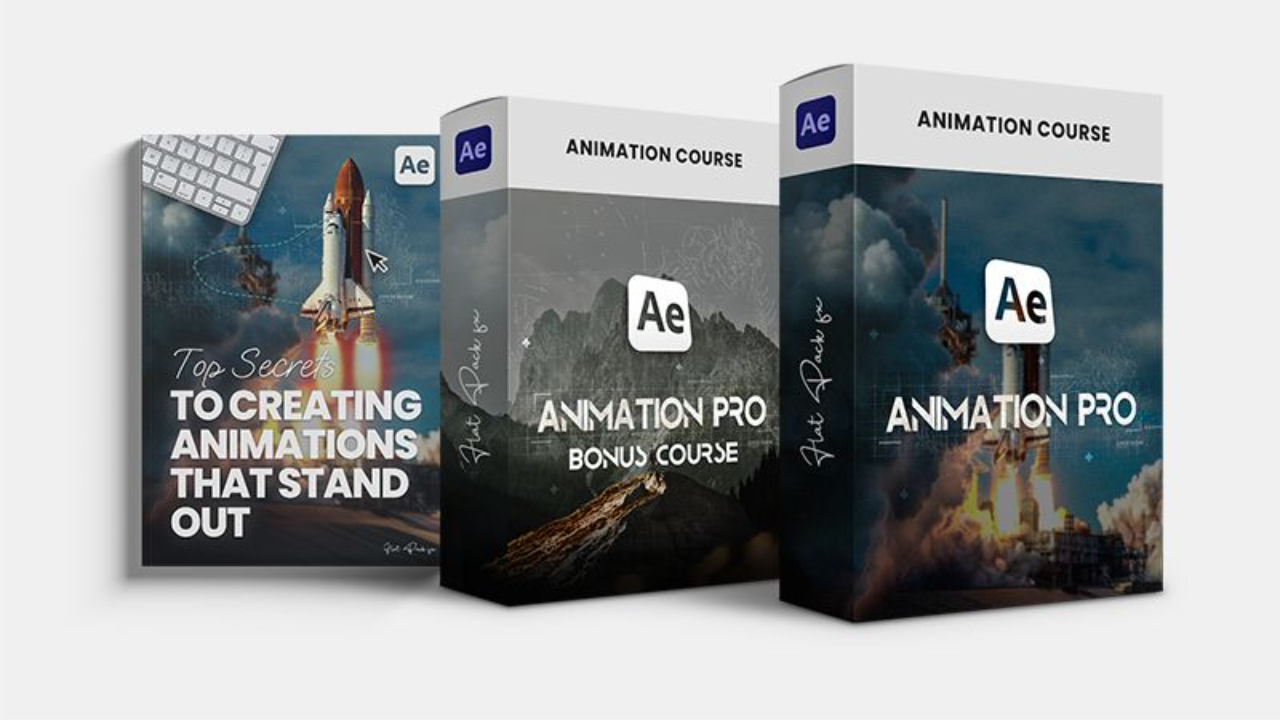
- Animation Pro Course Intermediate After Effects Course with lifetime online access. Includes 10 comprehensive videos, 30-43 minutes each with 9 Detailed Animations. 330+ minutes of total content for the main course. No 3rd party plugins required, just a copy of After Effects. Photoshop is also referenced but not required.
- Subtitles in 7 Languages Every lesson includes closed captions in English, Hindi, Spanish, Japanese, Arabic, Korean and Indonesian. Need another language? Request it after purchase and I'll add it.
- All Project Files + Media Included
- 10 Video lessons (330+ Minutes)
- 9 Detailed Animations
- Student Hub Access A free community space for course students to chat, ask questions, share work, and join course-specific threads. Automatically granted with any Premium or Ultimate Flat Pack FX course purchase.
- Animation Pro: Bonus Course
Animation Pro: Bonus Course
Take your skills even further with 3 additional videos (40-62mins each, 140+ minutes total) that build on the Animation Pro course. I’ll guide you step-by-step through advanced techniques, showing you how to enhance and refine your animations in After Effects. (SAVE when you purchase the Bonus Course now as part of the Premium Bundle!) - Animation Pro Guide eBook FULL Animation Pro Guide eBook: Top Secrets To Creating Animations That Stand Out.
- Premium Level Support Your questions are given priority over the Basic support questions.


Where you'll be when you finish.
You open a blank project with an idea, and you know how to start. You know why your layout works, why your pacing feels right, and what to fix when it doesn't. That's the difference between having done tutorials and having learned to design.
Frequently Asked Questions
Is this suitable for After Effects beginners?
I've completed your Animation Master Course
What do I need to complete the course?
Can I download the Project Files?
Do I have lifetime access?
Is this different from Animation Master?
Do you offer refunds?
Are there subtitles?
Animation Pro vs Bonus Course?
Flat Pack FX
The why behind the motion graphics in your favourite explainer videos.
Subscribe
This site is protected by reCAPTCHA.
© Flat Pack FX